Can't sign in?
Forgot passwords, PIN locks, and staff who can't get in — every door has a key.
Forgot your password
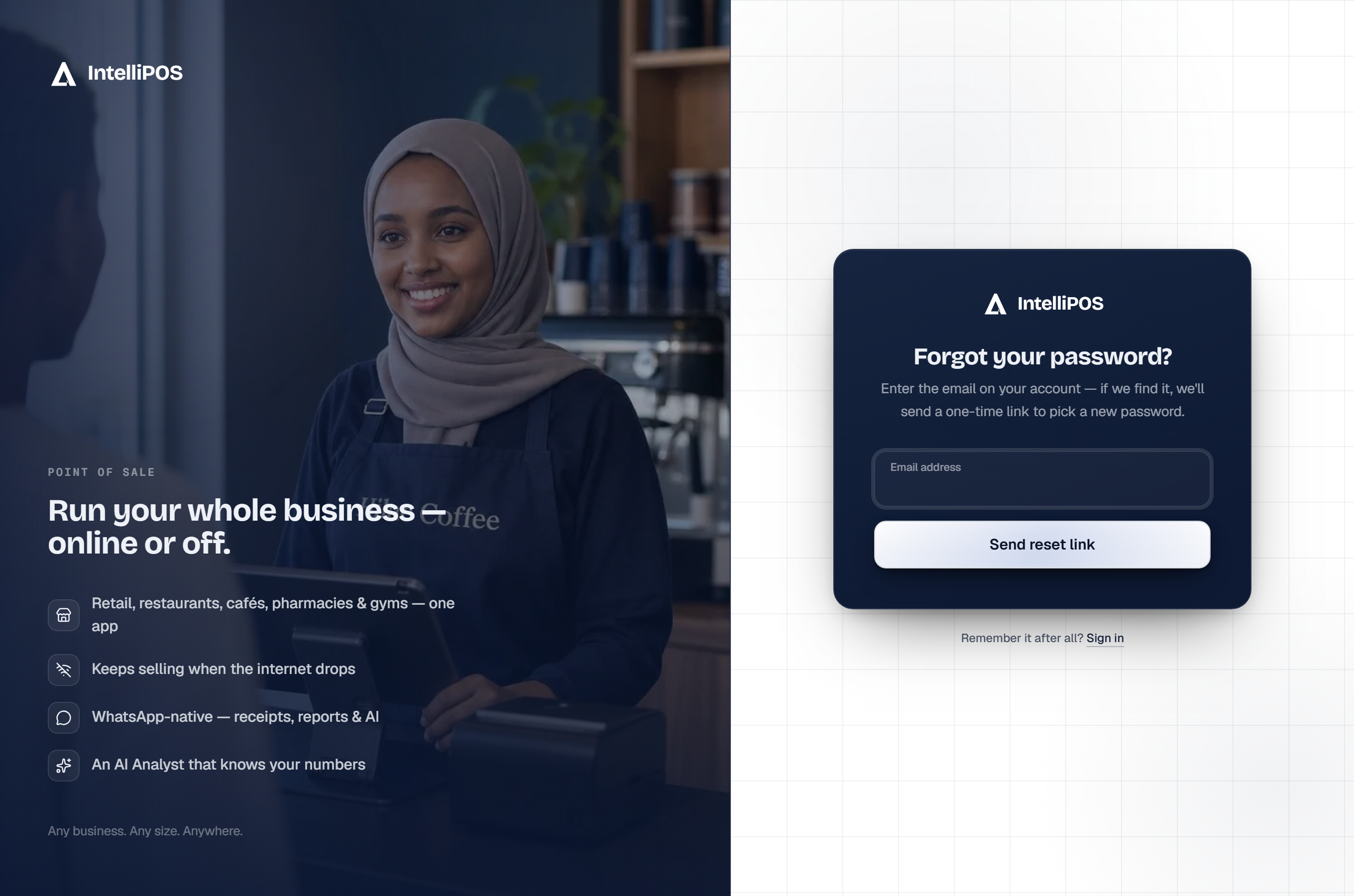
On the sign-in page choose Forgot password — we email you a one-time link and you pick a new password. The link opens a normal page, sets the password, and signs you straight in.
If two-factor sign-in is on for your account, the link takes you to your 6-digit code first. Enter it, and you're brought straight back to choose the new password.
Your code is checked by our servers, so it works on any connection that opens IntelliPOS, a VPN or a hotel Wi-Fi included. If the screen says We couldn't check the code just now, wait a moment and try again. After eight codes in 15 minutes it asks you to wait a few minutes.
Lost your phone (two-factor)
On the code screen, tap Lost your phone? Use a recovery code and type one of the recovery codes you saved when you turned two-factor on. That turns two-factor off for your account and takes you to Security, where you set it up again on the new phone in about a minute. Each recovery code works once.
No recovery codes to hand? Book a call and we will get you back in safely.
A staff member can't get in
The owner holds the keys:
- Staff with an email: the owner can send them the same reset link, or hand them a fresh temporary password (from Team).
- PIN-only staff (no email — common for cashiers and servers): the owner simply sets them a new PIN in Team.
- An invite that expired? Send it again from Team — the new one replaces the old. Starter passwords look like zebra-4183: easy to read out, changed on first sign-in.
The till is locked with a PIN pad
That's the idle lock — the till locks itself when nobody's used it for a while, so a walk-away never exposes the counter. Any staff member's PIN opens it. It works offline too.
"You're not part of a business yet"
Your account exists but isn't linked to a business — usually a staff member whose invite hasn't been accepted, or who was removed. If you were invited, the invite appears right on that screen: accept it and you're in. Otherwise ask your owner to re-invite you.
Still locked out?
Book a call or email support@intellika.io — we can always get the right person back in safely.
Forgot your password
On the sign-in page choose Forgot password — we email you a one-time link and you pick a new password. The link opens a normal page, sets the password, and signs you straight in.
If two-factor sign-in is on for your account, the link takes you to your 6-digit code first. Enter it, and you're brought straight back to choose the new password.
Your code is checked by our servers, so it works on any connection that opens IntelliPOS, a VPN or a hotel Wi-Fi included. If the screen says We couldn't check the code just now, wait a moment and try again. After eight codes in 15 minutes it asks you to wait a few minutes.
Lost your phone (two-factor)
On the code screen, tap Lost your phone? Use a recovery code and type one of the recovery codes you saved when you turned two-factor on. That turns two-factor off for your account and takes you to Security, where you set it up again on the new phone in about a minute. Each recovery code works once.
No recovery codes to hand? Book a call and we will get you back in safely.
A staff member can't get in
The owner holds the keys:
- Staff with an email: the owner can send them the same reset link, or hand them a fresh temporary password (from Team).
- PIN-only staff (no email — common for cashiers and waiters): the owner simply sets them a new PIN in Team.
- An invite that expired? Send it again from Team — the new one replaces the old. Starter passwords look like zebra-4183: easy to read out, changed on first sign-in.
The till is locked with a PIN pad
That's the idle lock — the till locks itself when nobody's used it for a while, so a walk-away never exposes the counter. Any staff member's PIN opens it. It works offline too.
"You're not part of a business yet"
Your account exists but isn't linked to a business — usually a staff member whose invite hasn't been accepted, or who was removed. If you were invited, the invite appears right on that screen: accept it and you're in. Otherwise ask your owner to re-invite you.
Still locked out?
Book a call or email support@intellika.io — we can always get the right person back in safely.