Working offline: what's happening?
The amber banner, the "to sync" chips, and why nothing is ever lost.
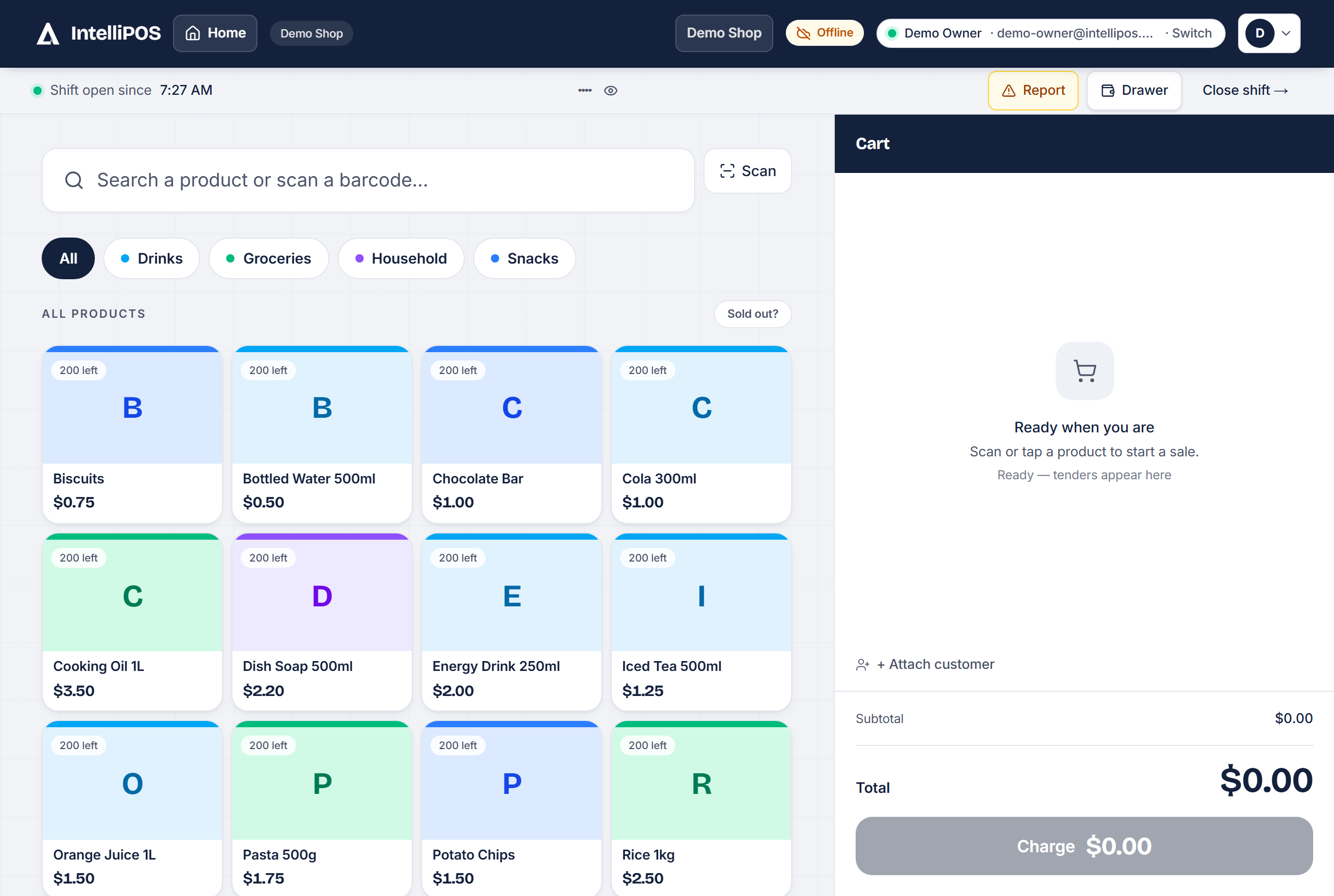
The amber "Offline" banner
The internet dropped — and that's fine. Keep selling. Every sale, order and settle is saved on the device the moment it happens. The till looks and works exactly the same offline as online — only the honest banner tells you the difference.
The "waiting to sync" chips
Those count what's saved on this device and not yet on the server. When the connection returns, everything syncs by itself, in the right order — and never twice: each sale carries its own fingerprint, so a flaky connection can't double-charge anyone.
How long can I stay offline?
All day if needed. The one rule: each till needs one online sign-in first on that device (so it has your products and staff PINs saved). After that, offline just works — including the PIN lock and switching staff.
Something shows "needs attention"
Rarely, a queued item can't be applied (for example a table that was already settled from another till). It's parked — nothing is lost — and the chip tells you exactly what happened. Tap the sync chip to open the list: Retry sends it again once the cause is fixed; Discard drops it for good — and the screen tells you what that costs (a discarded settle leaves the bill OPEN and the Z-report short by that amount), so fix and Retry whenever you can.
What does need internet
Sending WhatsApp receipts and emails, the card reader, and the AI assistants. Also: collecting a tab or lending cash, a customer's credit history at the till, the Lock till button, adding a new barcode product, recalling a cart parked on the server, and refunding an online order. Everything else at the counter — selling, printing, refunds, shifts — works without it, and the till says so in one tap when a button needs a connection.
The amber "Offline" banner
The internet dropped — and that's fine. Keep selling. Every sale, order and settle is saved on the device the moment it happens. The till looks and works exactly the same offline as online — only the honest banner tells you the difference.
The "waiting to sync" chips
Those count what's saved on this device and not yet on the server. When the connection returns, everything syncs by itself, in the right order — and never twice: each sale carries its own fingerprint, so a flaky connection can't double-charge anyone.
How long can I stay offline?
All day if needed. The one rule: each till needs one online sign-in first on that device (so it has your products and staff PINs saved). After that, offline just works — including the PIN lock and switching staff.
Something shows "needs attention"
Rarely, a queued item can't be applied (for example a table that was already settled from another till). It's parked — nothing is lost — and the chip tells you exactly what happened. Tap the sync chip to open the list: Retry sends it again once the cause is fixed; Discard drops it for good — and the screen tells you what that costs (a discarded settle leaves the bill OPEN and the Z-report short by that amount), so fix and Retry whenever you can.
What does need internet
Sending WhatsApp receipts and emails, verified mobile-money payments, the card reader, and the AI assistants. Also: collecting a tab or lending cash, a customer's credit history at the till, the Lock till button, adding a new barcode product, recalling a cart parked on the server, and refunding an online order. Everything else at the counter — selling, printing, refunds, shifts — works without it, and the till says so in one tap when a button needs a connection.