Welcome to IntelliPOS
What IntelliPOS is and how this guide is organised.
IntelliPOS runs your whole business — selling, stock, staff, customers, money and reports — on one system that works online or offline and keeps going when the internet drops.
This guide is written for the people who use it every day: owners, managers and staff. You don't need to be technical.
Setting up a new business? Start with Your first day — set up in 20 minutes and follow the steps in order.
How this guide is organised
- Getting started — signing in, and who can do what.
- Setting up your devices — running IntelliPOS in a browser, the Windows app, or on a phone/tablet, plus printers and second screens.
- Selling — the till: ringing sales, taking payment, printing, working offline, and closing the cash drawer.
- By business type — the parts that are specific to a shop, pharmacy, café, restaurant or gym.
- Money & customers — customer credit, and reading your reports.
- AI assistants — the in-app Analyst and the WhatsApp AI Employee.
Two places you work
- The till (the selling screen) — fast, touch-friendly, and built to keep working with no internet.
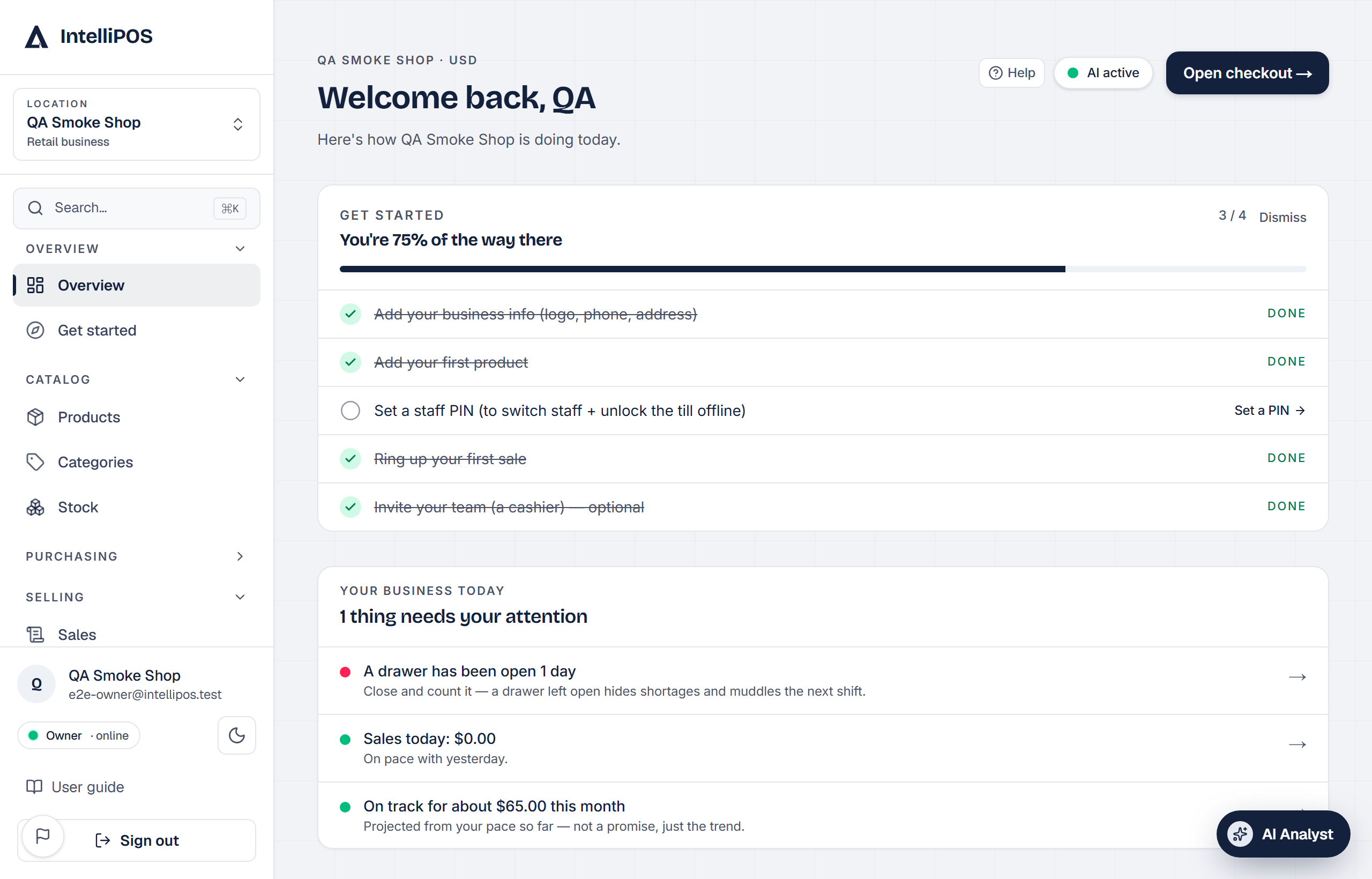
- The dashboard (the back office) — settings, products, staff, reports and everything you set up once.
Most screens in the dashboard have a small ? you can tap to jump straight to the right page in this guide — or search it at the top of this page.
IntelliPOS runs your whole business — selling, stock, staff, customers, money and reports — on one system that works online or offline and keeps going when the internet drops.
This guide is written for the people who use it every day: owners, managers and staff. You don't need to be technical.
Setting up a new business? Start with Your first day — set up in 20 minutes and follow the steps in order.
How this guide is organised
- Getting started — signing in, and who can do what.
- Setting up your devices — running IntelliPOS in a browser, the Windows app, or on a phone/tablet, plus printers and second screens.
- Selling — the till: ringing sales, taking payment, printing, working offline, and closing the cash drawer.
- By business type — the parts that are specific to a shop, pharmacy, café, restaurant or gym.
- Money & customers — credit (Dayn), and reading your reports.
- AI assistants — the in-app Analyst and the WhatsApp AI Employee.
Two places you work
- The till (the selling screen) — fast, touch-friendly, and built to keep working with no internet.
- The dashboard (the back office) — settings, products, staff, reports and everything you set up once.
Most screens in the dashboard have a small ? you can tap to jump straight to the right page in this guide — or search it at the top of this page.