Ctrl /
Watch it work
Short, narrated walkthroughs filmed on the real app — nothing staged, nothing sped up. Captions are on, and every chapter jumps straight to its moment.
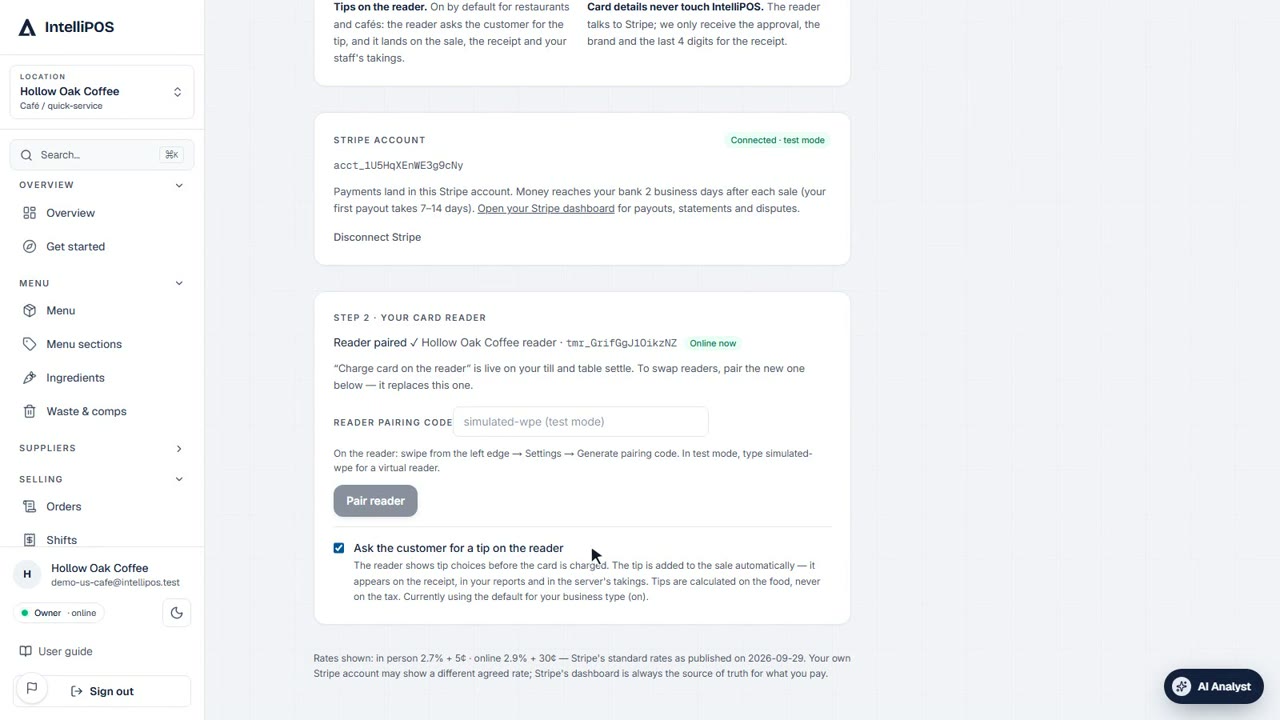 2:30Take card payments on your own readerConnect your Stripe account, pair a reader, charge a card with one tap, see the approval on the receipt, refund to the card, and know who took what.
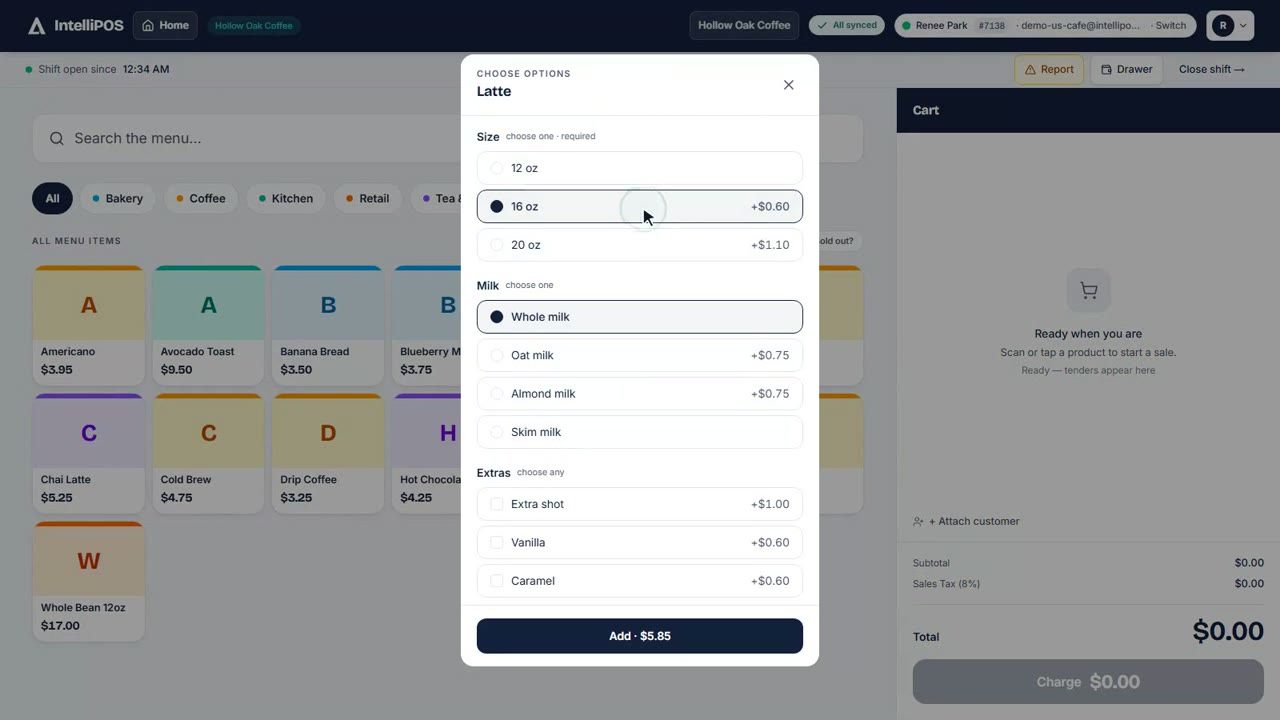 1:46Run your coffee shop on IntelliPOSOpen the drawer, ring drinks with size and milk options, take payment, check the numbers and close the day.
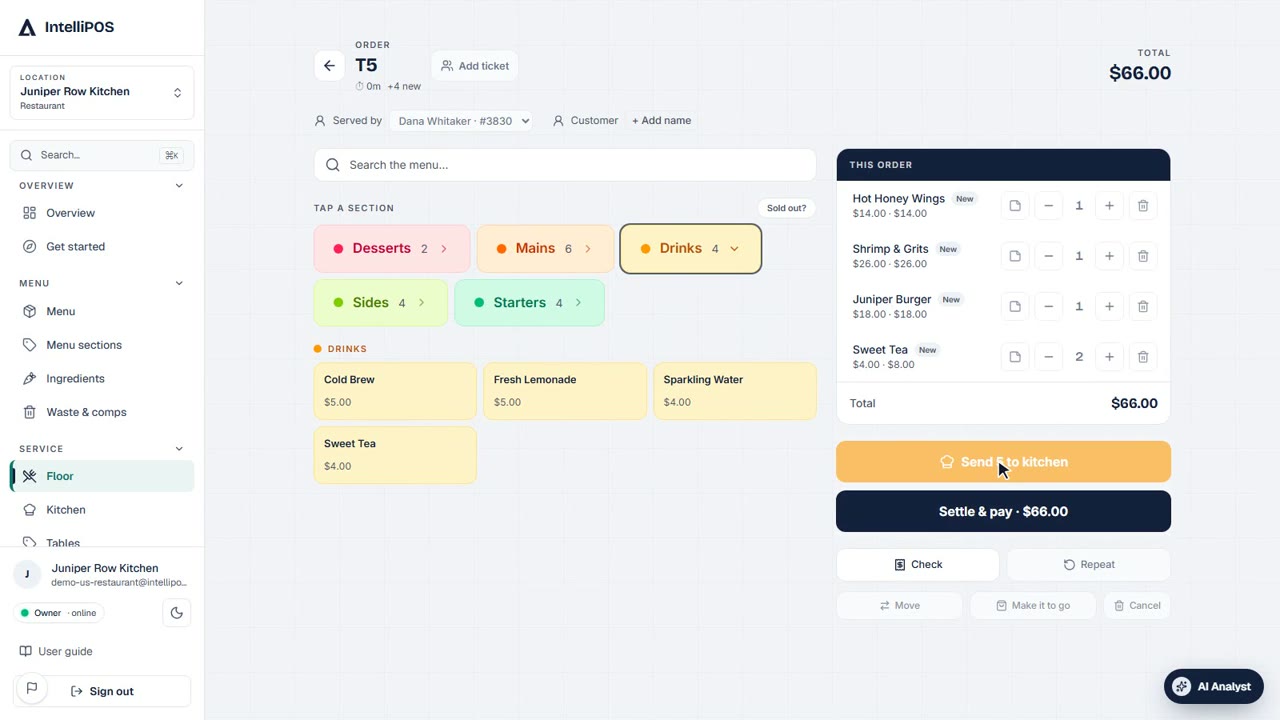 1:35Run your restaurant on IntelliPOSSeat a table, send the order to the kitchen, watch it on the kitchen screen, settle the check and read the numbers.
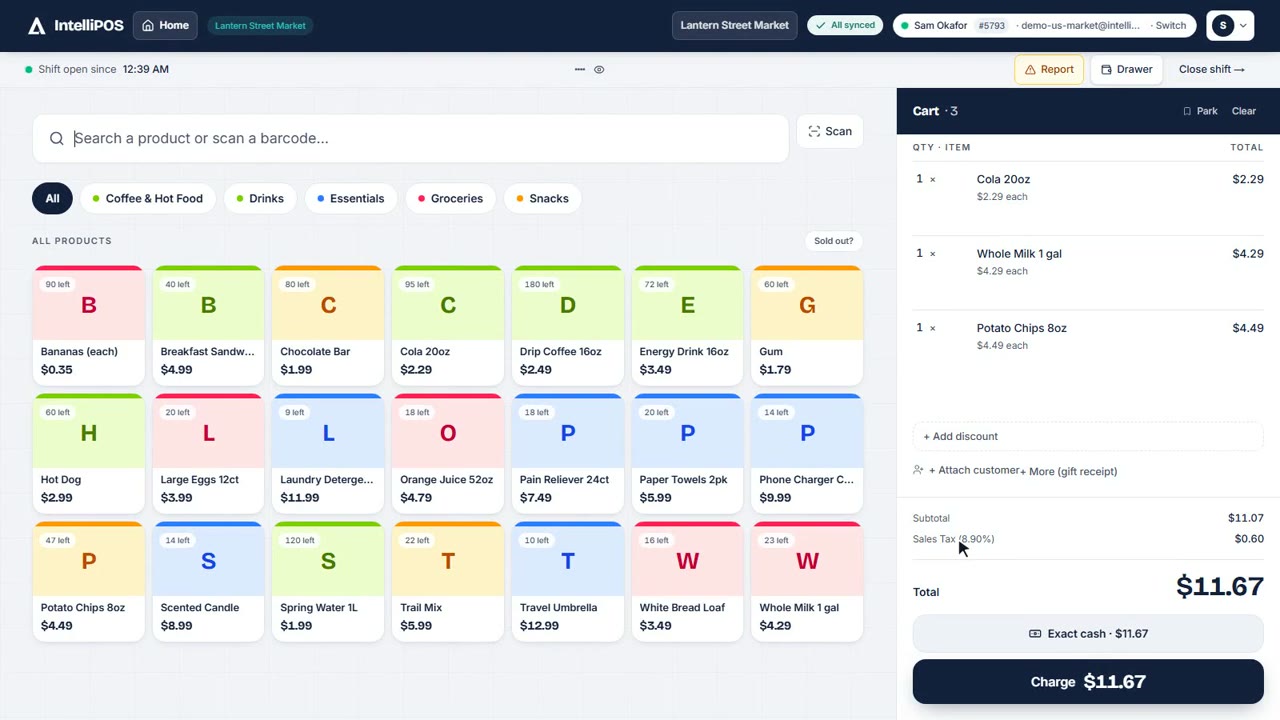 1:15Run your store on IntelliPOSScan items, let sales tax work itself out, take payment, and keep inventory and reorders in check.
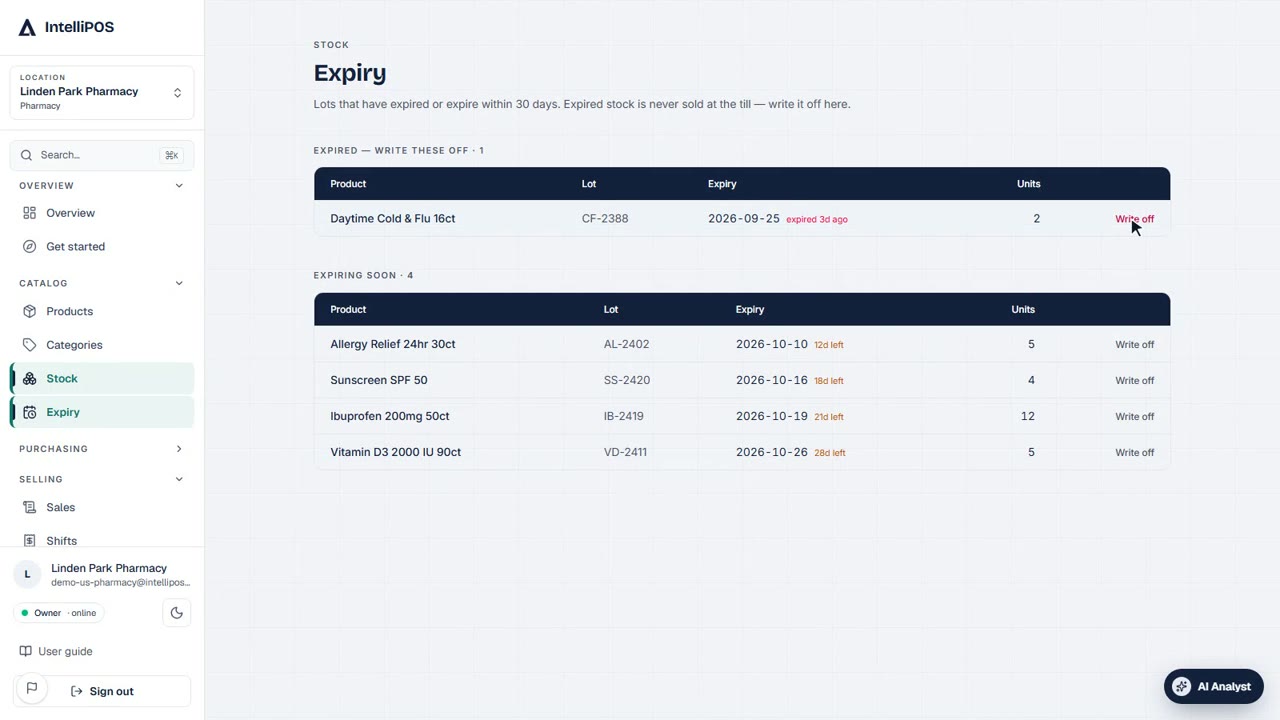 1:19Run your pharmacy's front of store on IntelliPOSScan and sell, let the till pick the batch that expires first, and catch expiring stock before it becomes a loss.
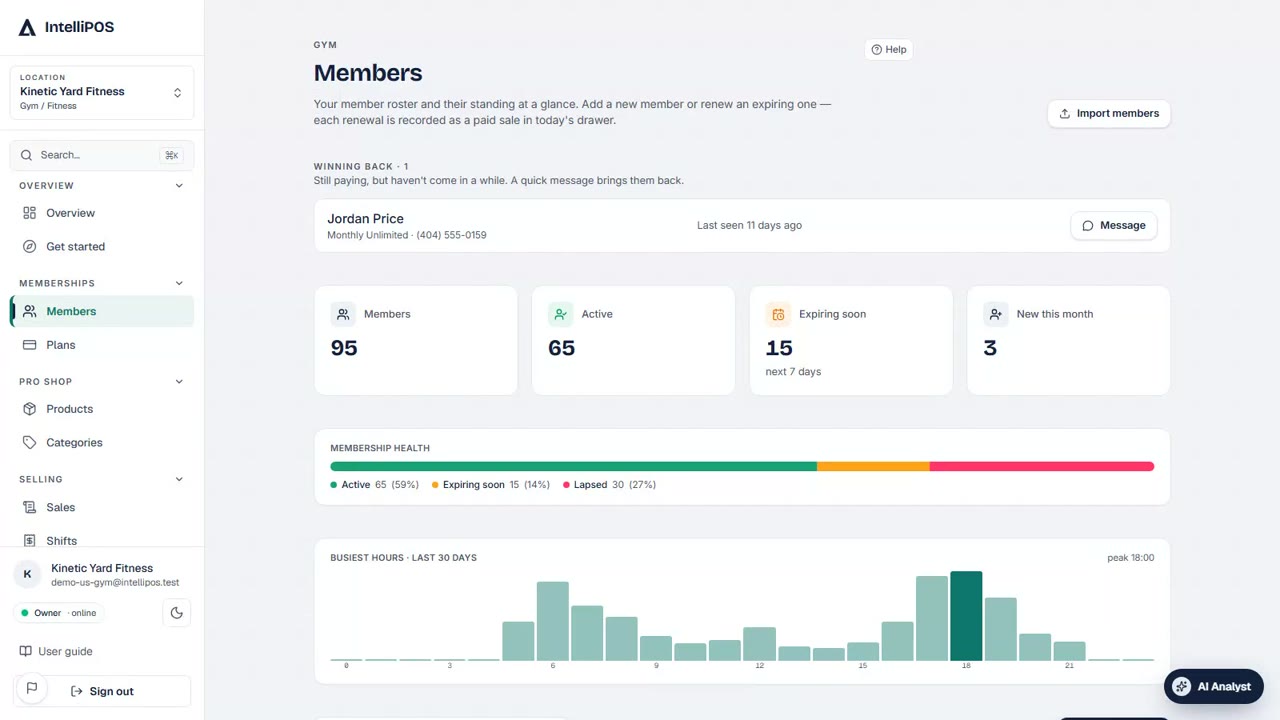 1:11Run your gym on IntelliPOSSee your roster at a glance, check members in, renew a plan at the desk and read the numbers.
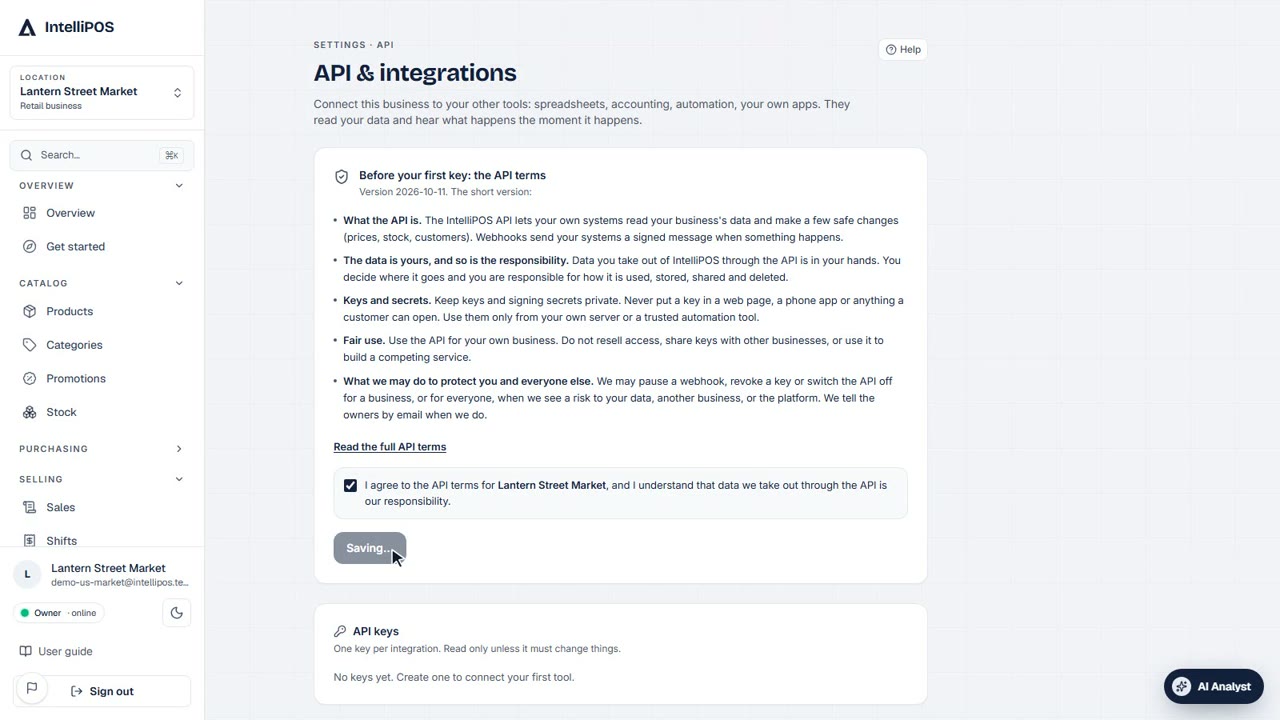 2:04Connect IntelliPOS to the tools you useAgree to the API terms, make a read-only key with an end date, add a webhook and pick its events, send a test, and see every delivery with Replay.
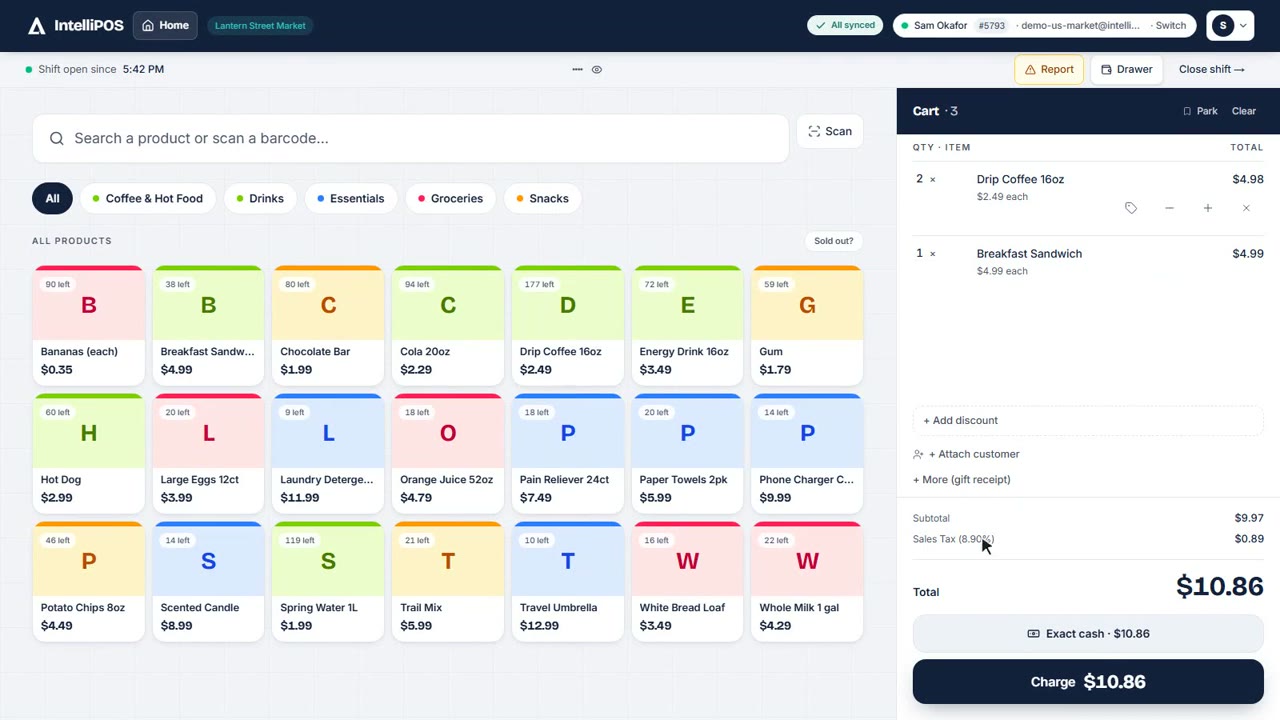 0:38Ring a sale, start to receiptTap or scan the items, check the cart, take the cash with the change worked out, and print or send the receipt.
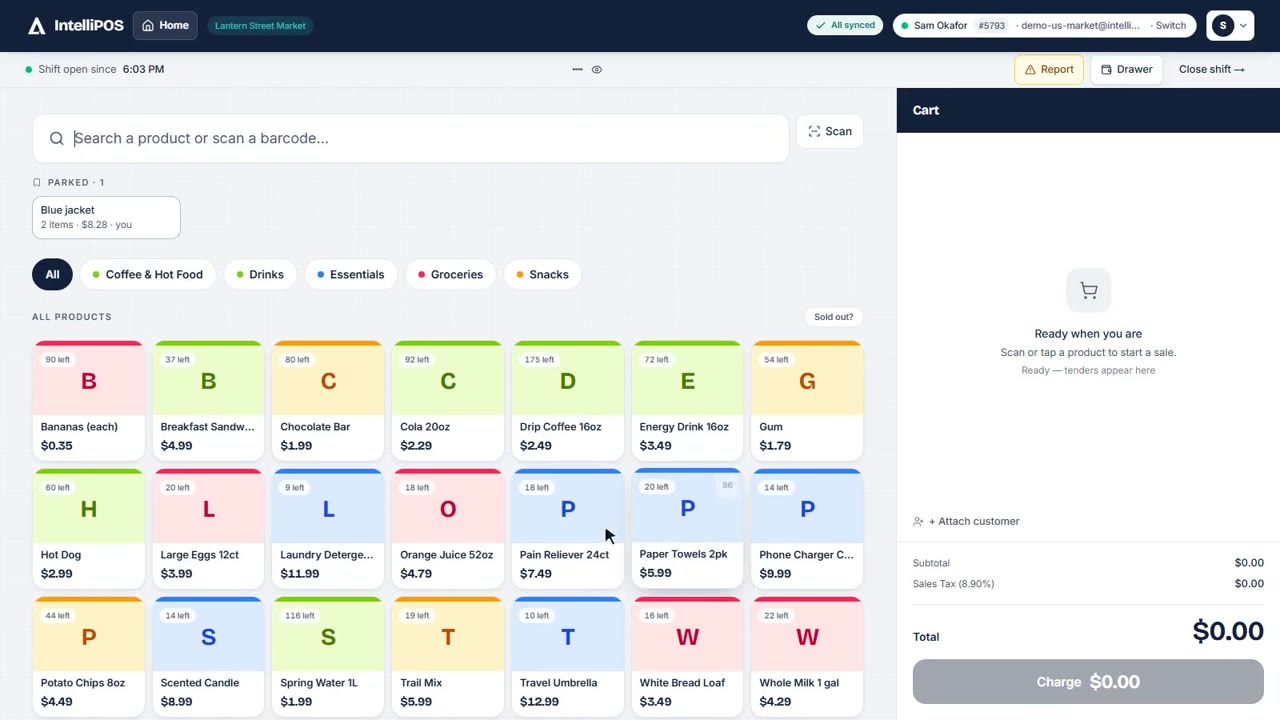 0:40Park a cart and bring it backHold a customer's cart with a note, ring up the next person, then recall the parked cart exactly as it was.
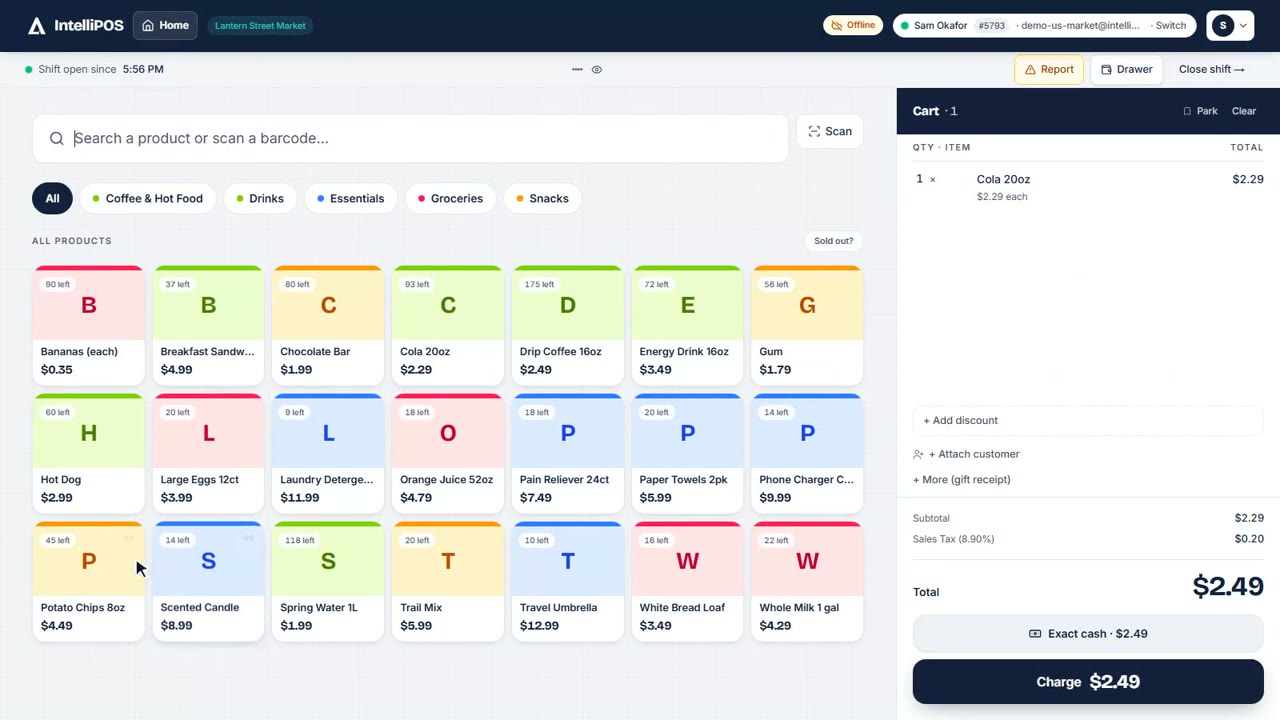 0:32Keep selling when the internet dropsThe connection is cut mid-shift, the sale rings exactly the same and is saved on the till, then syncs by itself when the internet is back.
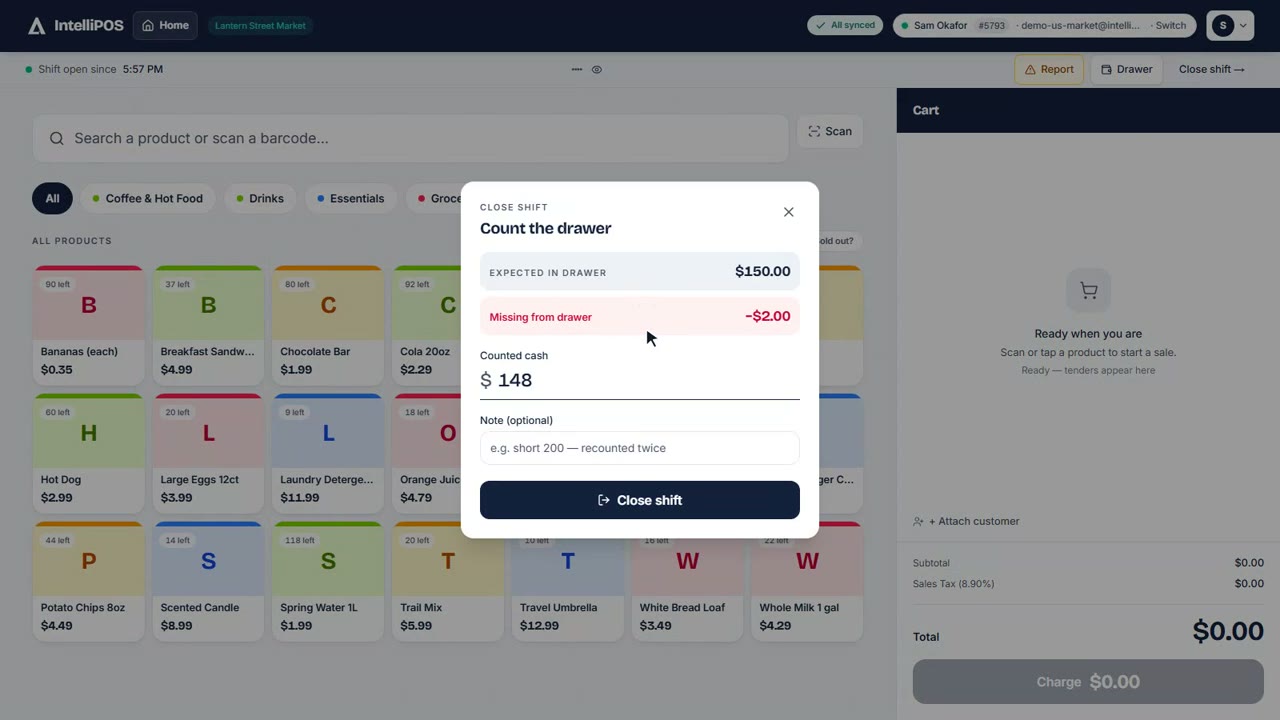 0:27Close a shift and count the drawerCount the cash in the drawer, see straight away if it's missing money, over or balanced, and close the shift with the difference recorded.
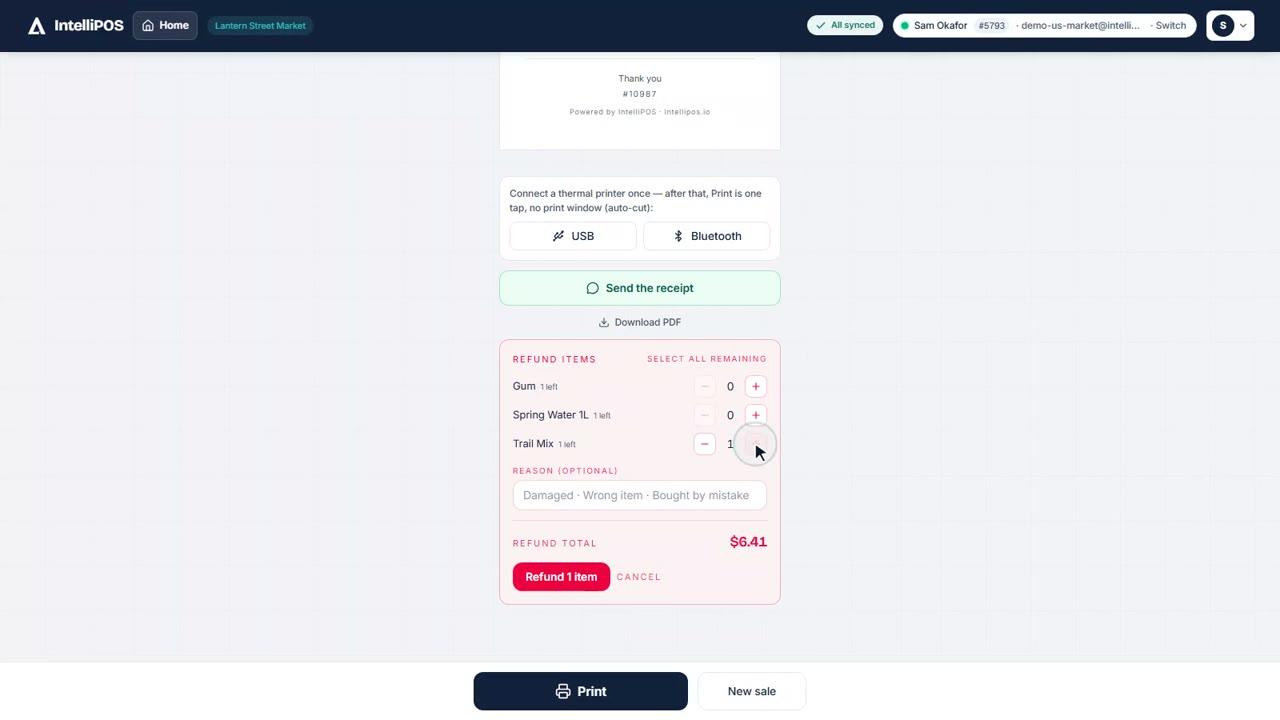 0:28Refund an item from the receiptOpen the sale, choose just the line that needs it, and refund: the money comes off the drawer and the item goes back into stock.
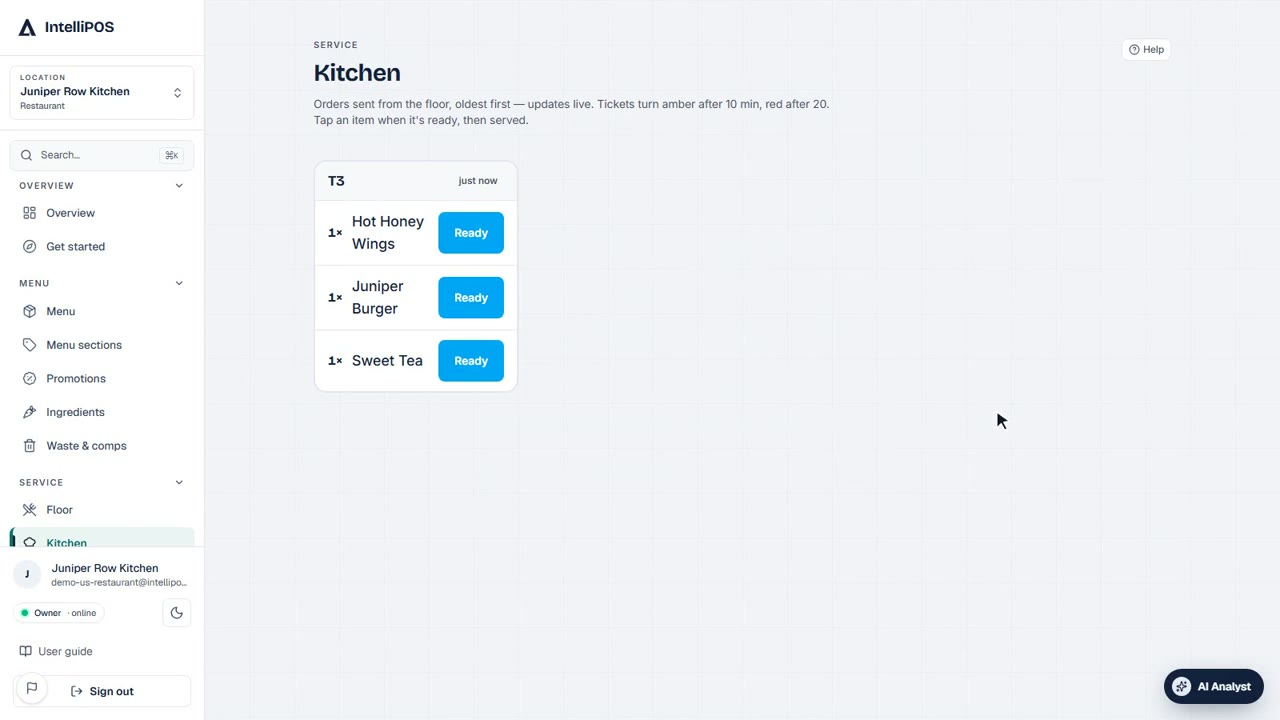 0:40Send an order to the kitchenOpen a table, add the dishes, send them, and watch the ticket arrive on the kitchen screen with its waiting time.